
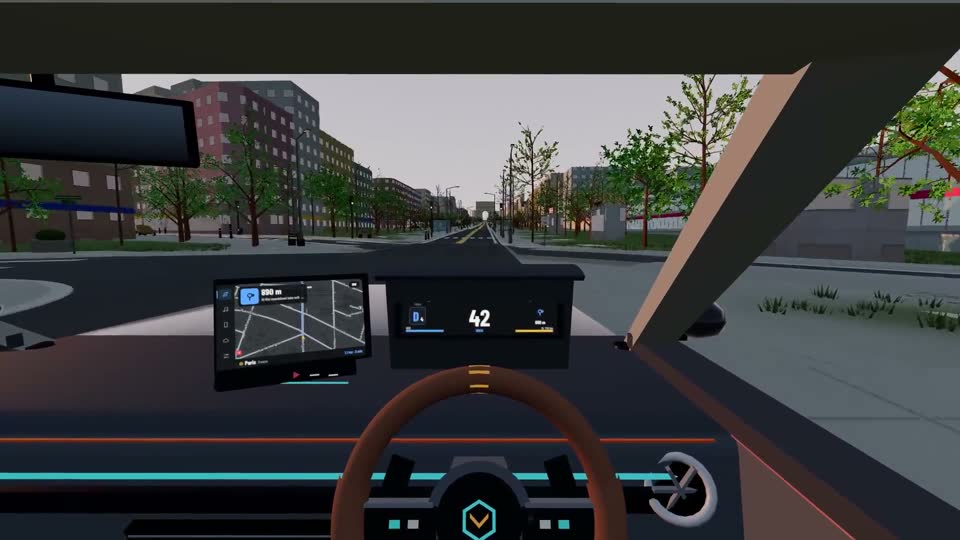
The five cameras
Press C (or the camera button on touch screens) to cycle:
- Chase: behind the car, the default. Its field of view (Narrow to Wider) is in Settings, and it widens with speed and nitrous unless you turn speed effects off.
- Hood: low on the bonnet, for a sense of speed.
- Cockpit: from the driver's seat, with the dashboard.
- Bird's eye: high above, good for learning a new city's layout.
- Cinematic: a director that cuts between film-style shots of your car every few seconds (trackside, low front, alongside, drone, crane, helicopter, by the wheel), with the HUD hidden.
Drag the view (or use the mouse) to look around. On two-wheelers the chase camera can lean into turns; Settings has an option to keep the horizon level.
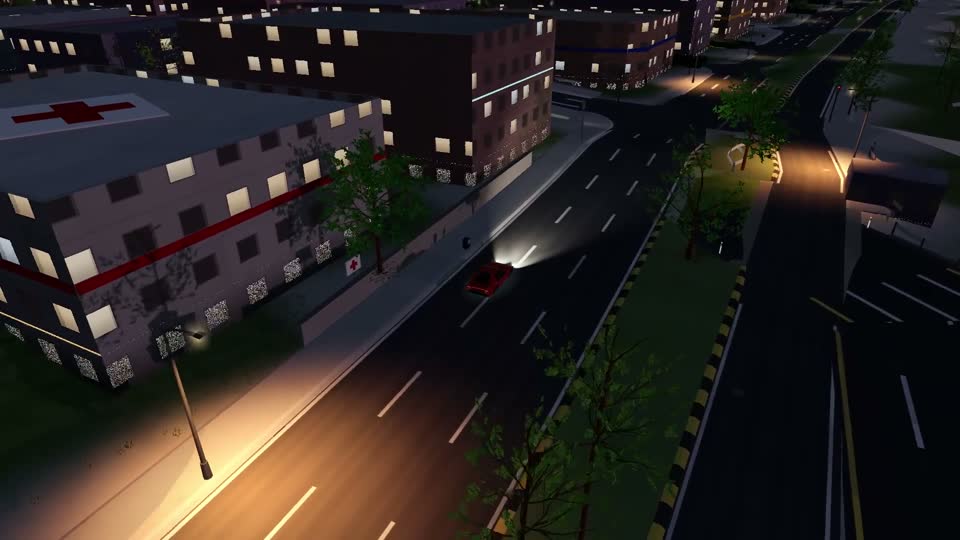
Photos and clips
F2 takes a photo and F3 starts or stops recording a video clip. Both carry the driveyourcity.com mark and can go straight to your device's share sheet or be saved. F4 cycles the HUD between full, minimal and off for clean shots.
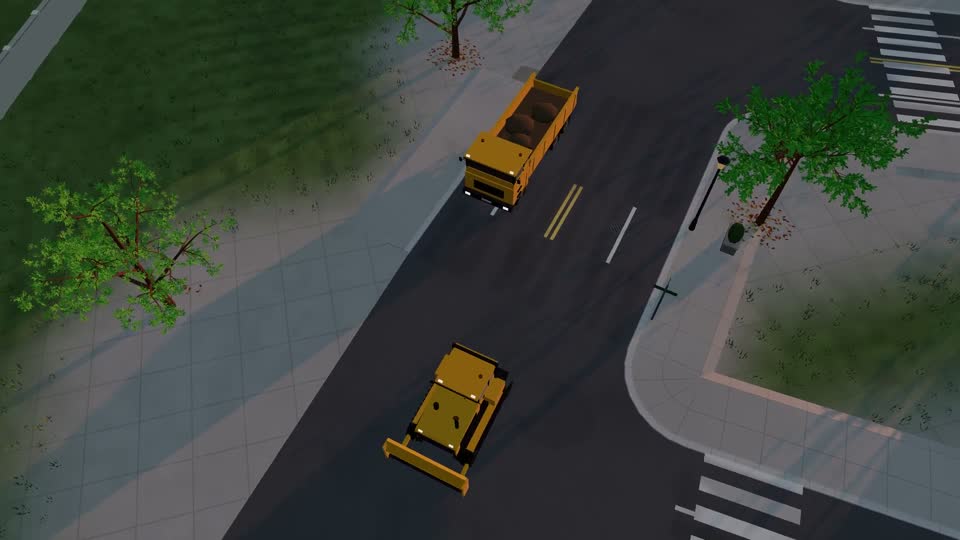
Film mode
F9 opens film mode: camera flyovers around landmarks, recorded to MP4. It is how the game's own trailer clips are made. Try it at Golden Gate Bridge, Eiffel Tower and Burj Khalifa.
Looks and time
The Look setting grades the picture's colour and mood (Auto follows the hour and weather). Combine it with time skips and weather from the weather and time guide for night-city shots.