
Feature articles
Short articles on what Drive Your City can do, each with in-game shots. For every control, setting, vehicle and store item, use the player guide.
Getting started
How to play
Every keyboard, controller and touch control, the two ways to play, all cars and common questions.
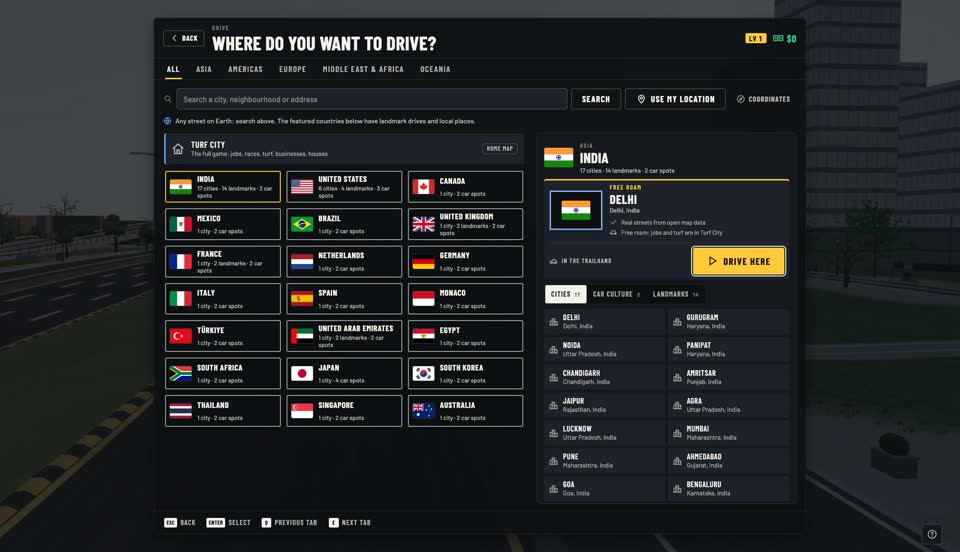
Drive anywhere in the world
A browser driving game on a real world map: search any city, street or address and drive it in 3D, built from open map data. Free, no download.
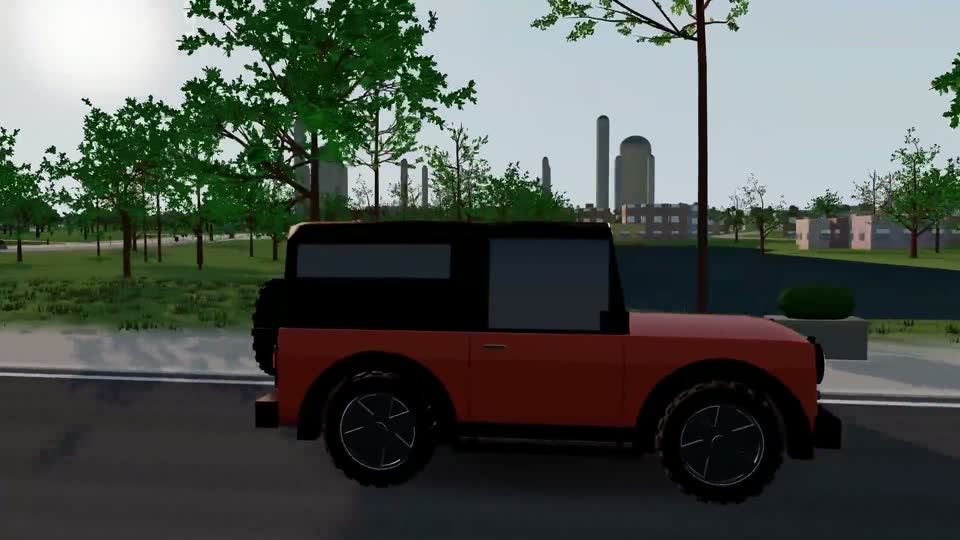
Drive your own street
How to drive your own street, neighbourhood or house in Drive Your City: search your address or use your location, then drive it in 3D. Free.
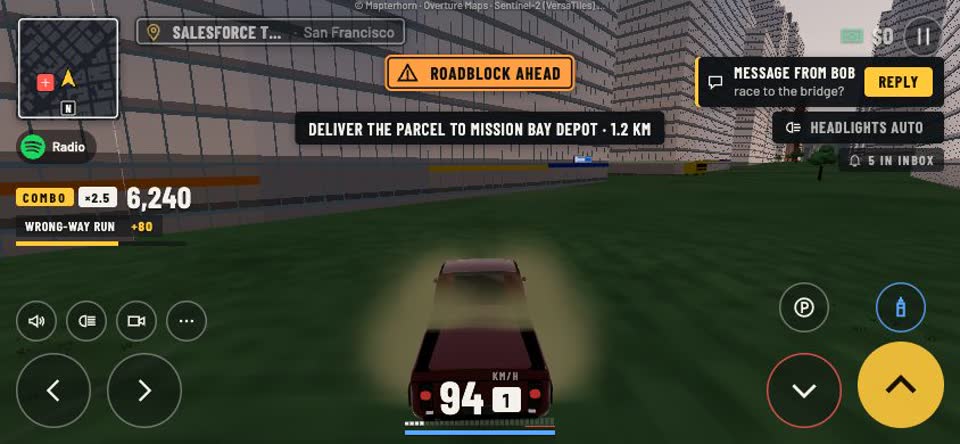
Phone, tablet and controller play
Drive Your City on phones and tablets (touch pedals, tilt steering), with a gamepad or keyboard: setup, controls, rebinding and tips.
Features
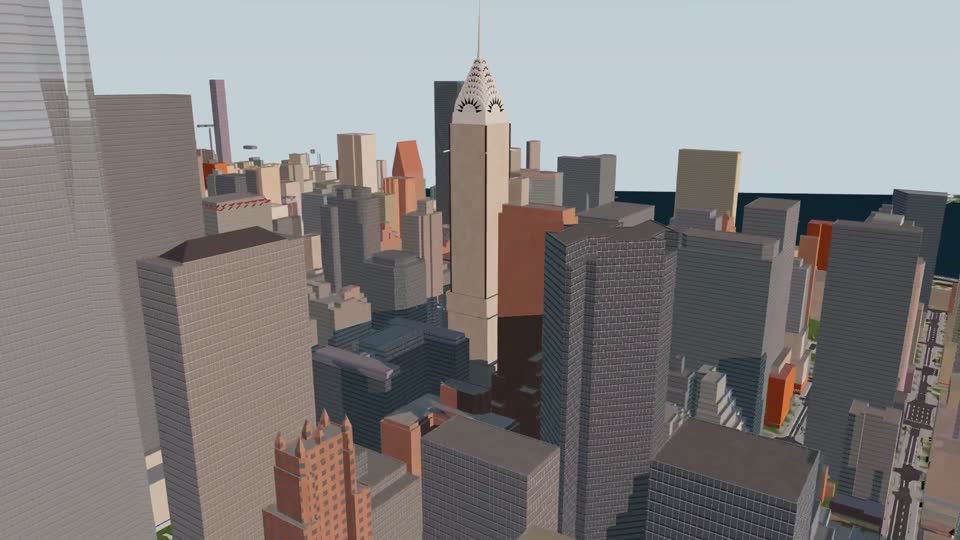
Looking for a driving game on Google Maps?
Looking for a game where you drive on Google Maps? Drive Your City builds real streets in 3D from open map data instead, free in your browser.
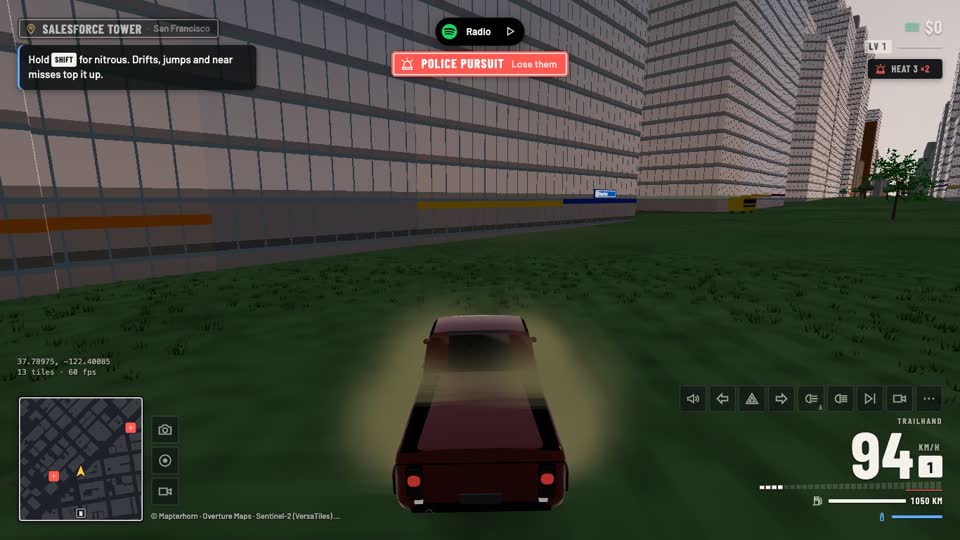
Police chases
Police chases in Drive Your City: wanted levels from 1 to 5 stars, how to escape, what a bust costs and the bounty for getting away. Free in the browser.
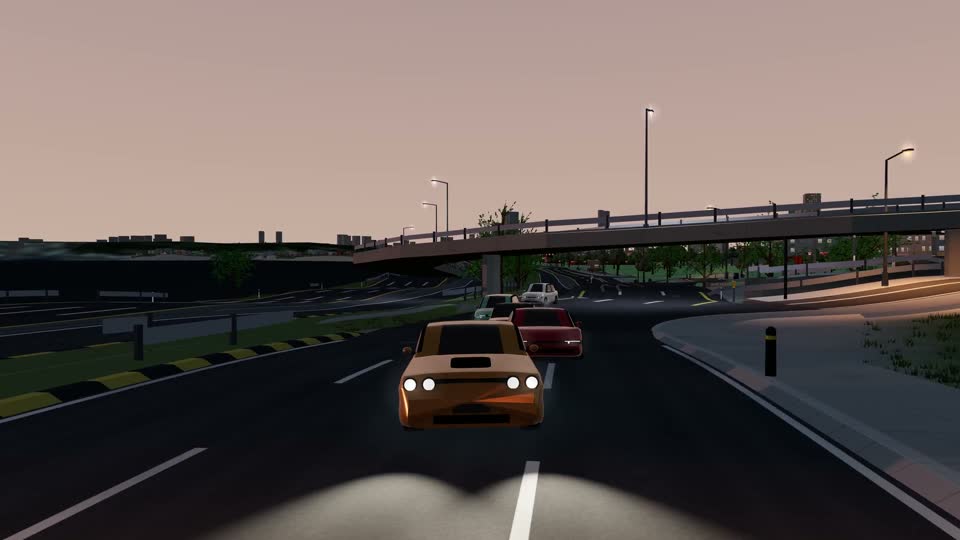
Racing on real roads
Race in Drive Your City: 9 race types, 55 tracks on real roads and circuits worldwide, AI rivals and medals. Free, in the browser.
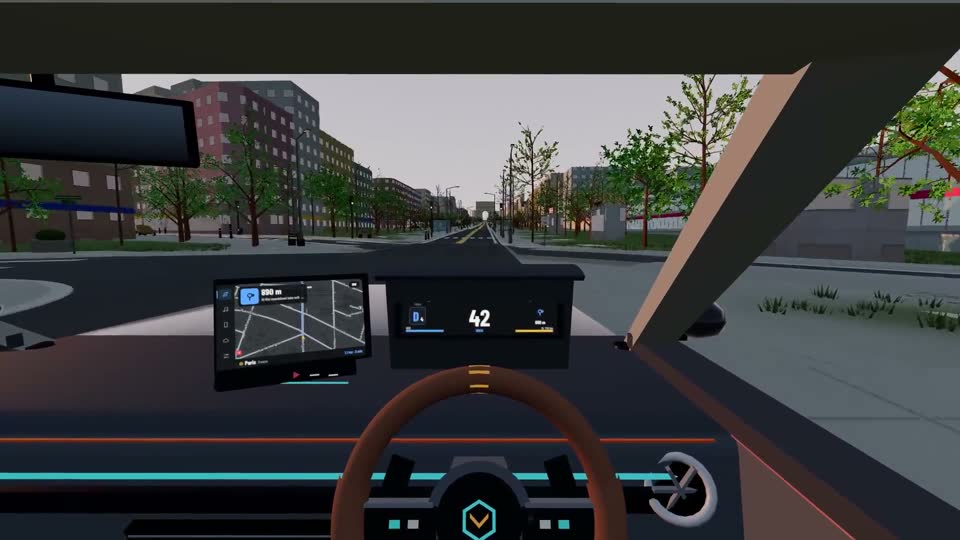
Camera views and photo mode
Chase, hood, cockpit, bird's-eye and cinematic cameras, photo and clip capture, film mode flyovers and HUD options in Drive Your City.
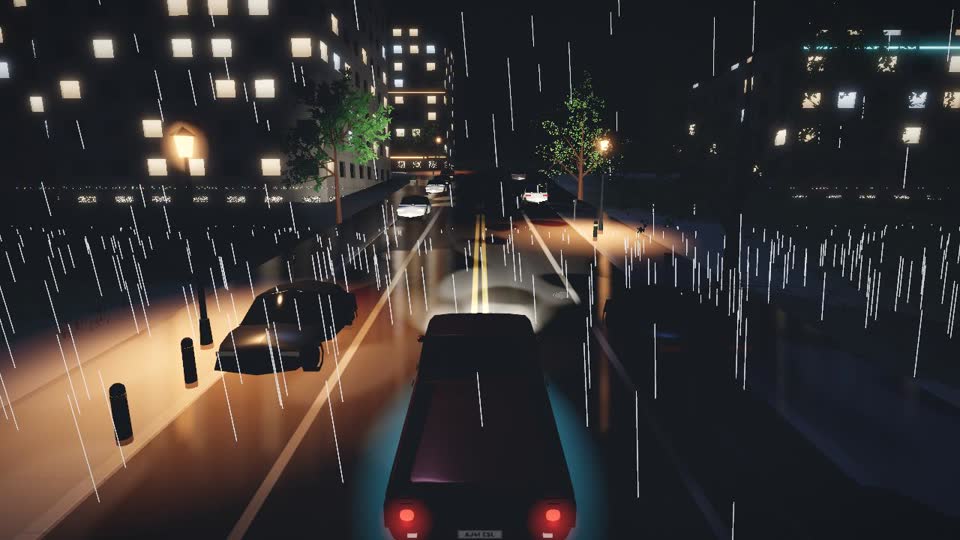
Weather and time of day
How weather and time work in Drive Your City: live real-world weather, wet roads that cost grip, storms with lightning, fog, puddles and night driving.
Terrain and off-road driving
Real hills, bridges and tunnels, off-road grip on grass, dirt, sand, gravel and snow, fording rivers and the horizon in Drive Your City.
Pedestrians and city life
People on pavements and zebra crossings, bus stops, birds, planes, boats and working ports: how Drive Your City fills a real city with life.
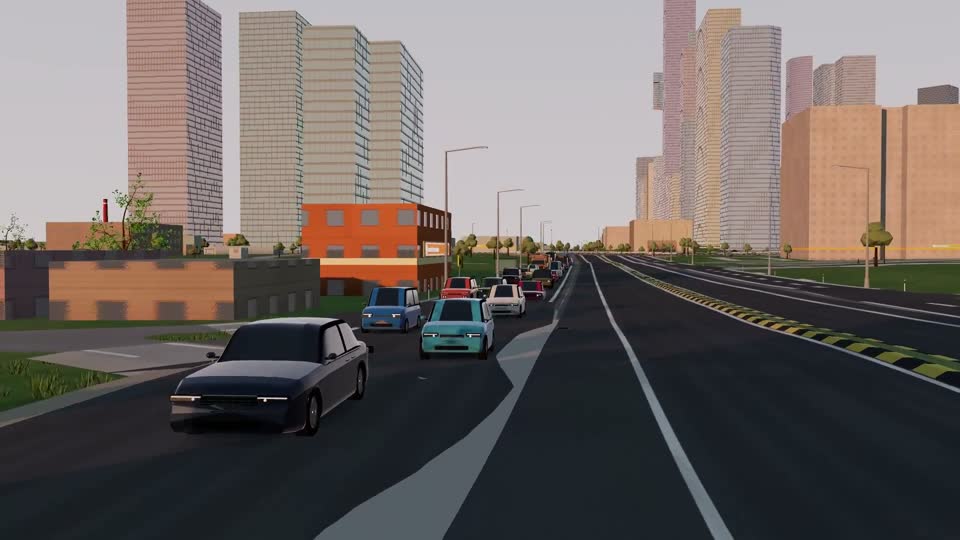
Traffic and autodrive
Traffic density, adaptive traffic and the three autodrive styles (Normal, Racer, Mad Max) in Drive Your City. Sit back and watch a real city go by.
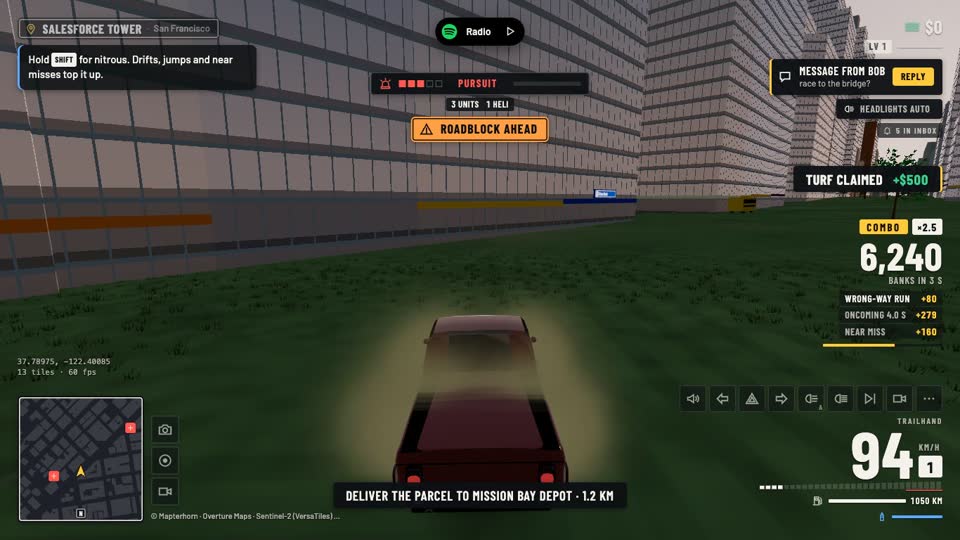
Settings and graphics options
Every Drive Your City setting explained: quality presets, shadows, resolution, frame cap, view distance, HUD, sound, music and accessibility.
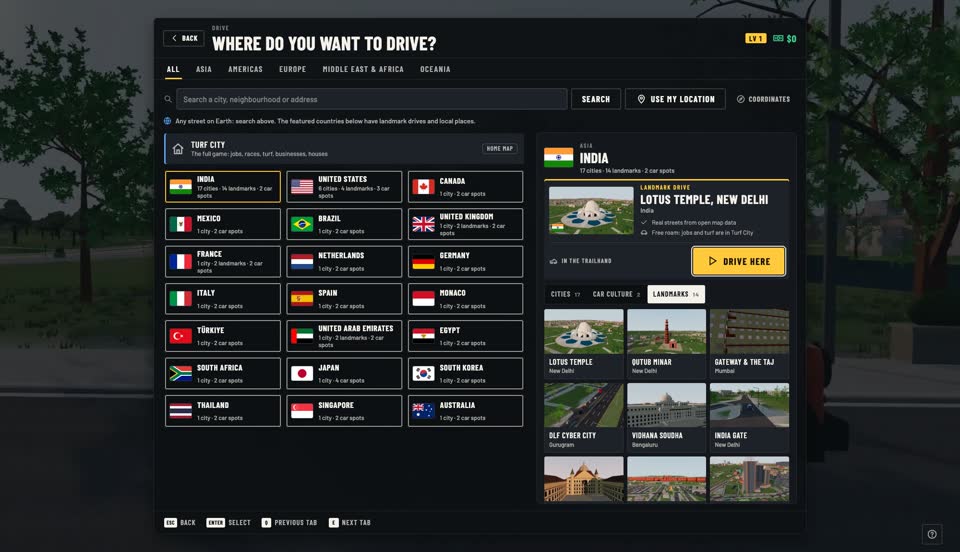
Playing offline
How Drive Your City works offline: the game stays in your browser after one visit, driven areas are cached, and Save area offline downloads a city ahead.
Every kind of vehicle
Every vehicle type in Drive Your City: 40 to drive, from city cars and EVs to motorbikes, auto-rickshaws, buses, a monster truck and construction machines.
World Motorsport: real circuits, ten disciplines
80 real circuits, ovals, stages and hill climbs in ten disciplines, with laps traced from open map data. Free in your browser, no download.
Navigation: road GPS, flight and sea routes
How navigation works in Drive Your City: turn-by-turn GPS on real roads worldwide, long trips, and air and sea routing for helicopters, planes and boats.
Vehicles
All 40 vehicles, with their in-game specs, prices and a clip of each on a real road:
Cars
- PicoCity hatchback
- LumoTall city car
- SolaCompact sedan
- VantaCompact crossover
- TrailhandPickup
- BastionSUV
- Ridgeway 4x44x4 off-roader
- Sentinel7-seat SUV
- Vesper GTSports coupe
- Anvil 440Muscle car
- HaulierDelivery van
- RegentExecutive saloon
- Kingsway CabCity taxi
Electric cars
Special vehicles
Buses and trucks
- RangeelaPainted goods truck
- Janata ExpressCity bus
- ScholarSchool bus
- Nordic 500Long-haul truck
- Fjord LinerLuxury coach
Bikes, scooters and bicycles
- Sparrow 125Commuter motorcycle
- SpokeCity bicycle
- Razorback 1000RSport bike
- Grinder 20BMX
- Nimbus 110Gearless scooter
- ZippE-scooter
- Haul-BoxCargo bike
Three-wheelers
Construction machines
Places
Cities and landmarks
40 featured cities in 21 countries and 24 landmark drives, by region.
Famous roads and race tracks
45 mountain passes, coast roads and circuit roads to drive and race.
Turf City
The designed story map: jobs, races, turf, businesses and houses.
Help and policies
About the game (how it works, who makes it, data credits) · Privacy · Terms · Children and age · Contact: contact@driveyourcity.com