
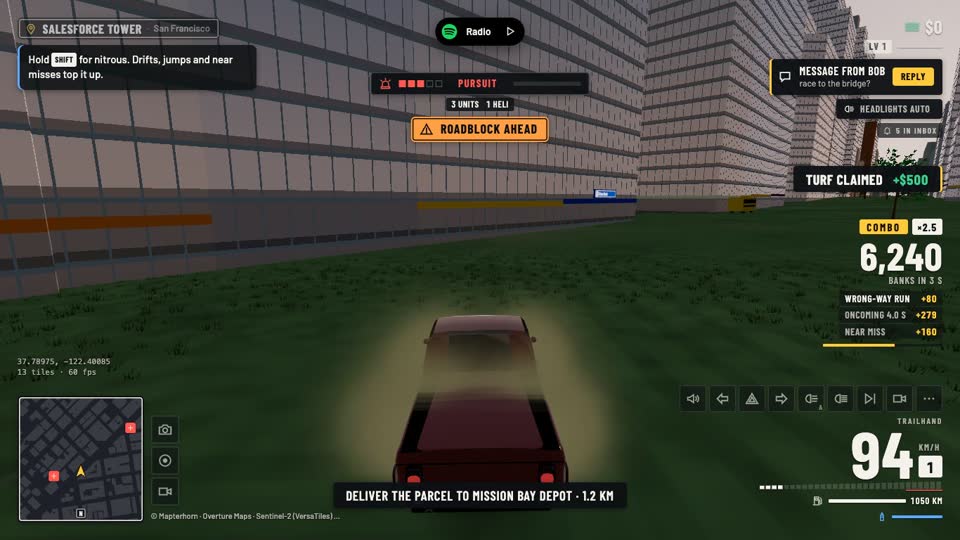
Display
- Quality: Auto, Low, Medium, High or Ultra. It sets resolution, shadows, draw distance, trees, grass, street detail and traffic together.
- Shadows, Resolution scale (50 %, 75 %, 100 %) and Frame-rate cap (off, 60, 30) override the preset; lower saves battery and heat.
- View distance: how far you can see; fog hides the edge.
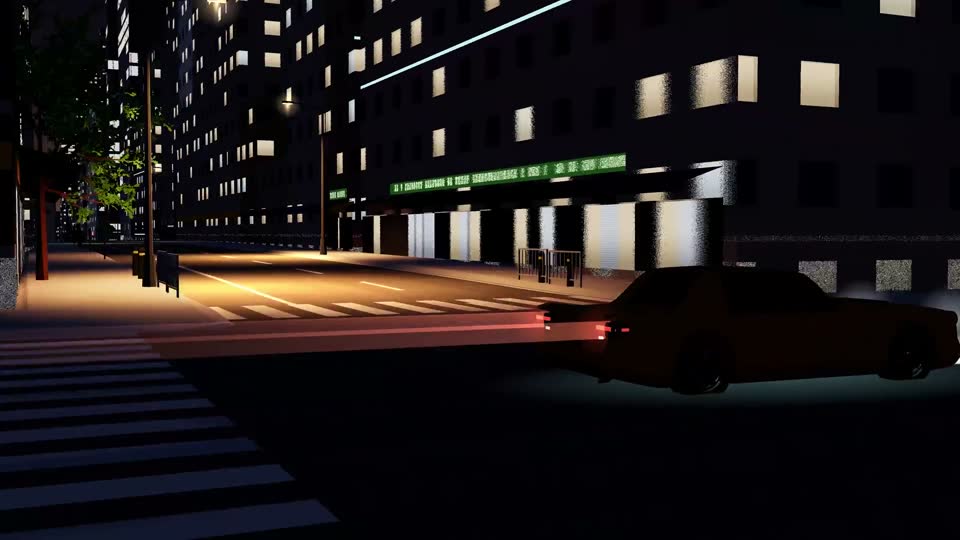
- Glow and Look: how much lamps and neon bloom, and the picture's colour grade.
- Field of view and Speed effects for the chase camera.
HUD and notifications
The HUD can be Full, Minimal (speed, gear, minimap and the turn banner) or Off (F4), and the minimap, speedometer and frame-rate readout can each be hidden. Notifications can be All, Important or Minimal; everything is kept in the pause menu's Inbox. Speed units are km/h or mph.
Sound and music
Separate volumes for everything, the engine, effects and music; positional audio so traffic and water sound from where they are; a 3D headphone mode; a rumble-strip sound; menu music and a night-drive beat while driving. The Radio button plays Spotify playlists in Spotify's own player.
Comfort and accessibility
Interface size from S to XL, Reduce motion (a still backdrop instead of the moving reel), Calm interface (no interface animations at all) and driving Tips can all be set. Controls can be rebound for keyboard, gamepad and touch.