
Step by step
- Go to driveyourcity.com and pick a real place to drive.
- Search your street or address, or choose your location. The browser asks for permission before sharing it, and only rounded coordinates are ever sent for live weather.
- You start on the nearest road. Press M to open the map and search a second place (your office, a friend's street) to get turn-by-turn directions there.
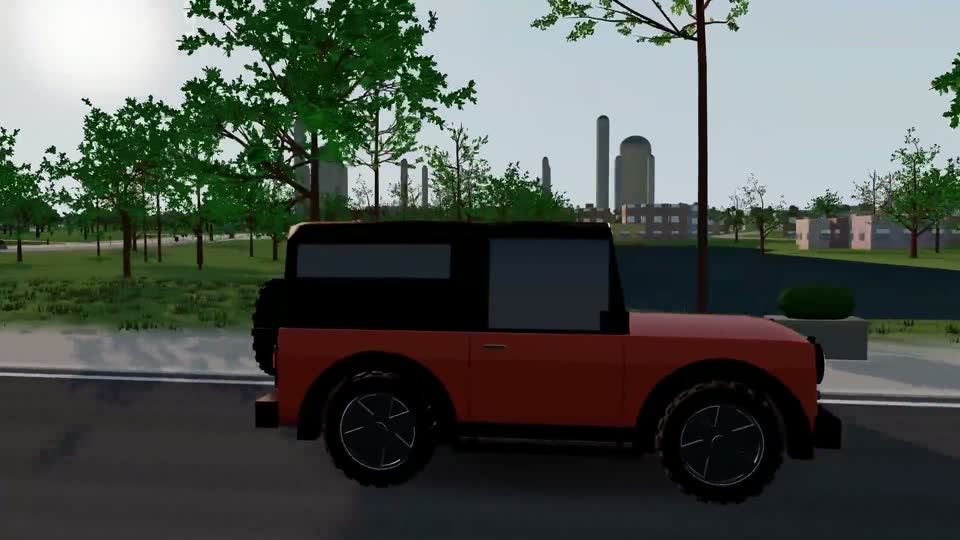
- Press F2 for a photo or F3 to record a clip of the drive, stamped with the driveyourcity.com mark, and share it.
Will my house be there?
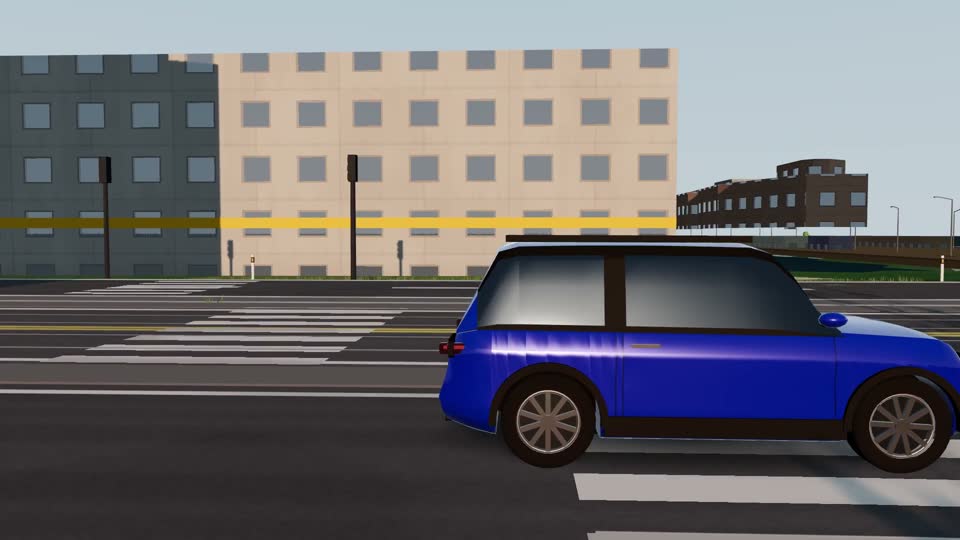
Your street will be, as long as it is in OpenStreetMap. Buildings come from Overture Maps, which combines OpenStreetMap with other open building footprints, so most towns and cities have them. Buildings are generated shapes with the right footprint and an estimated height, not photos of the real facade, so your house is recognisable by where it stands rather than by its paint.
If something is missing or wrong, the fix is to improve OpenStreetMap itself: edits there reach the game as the open data updates. You can also tell us at the address on the About page.
Privacy
Your location is used only to start the drive. The game does not put positions in the page address, and solo play saves progress in your own browser rather than on a server. Details are in the privacy policy.
Questions
Can I drive to my house in a game?
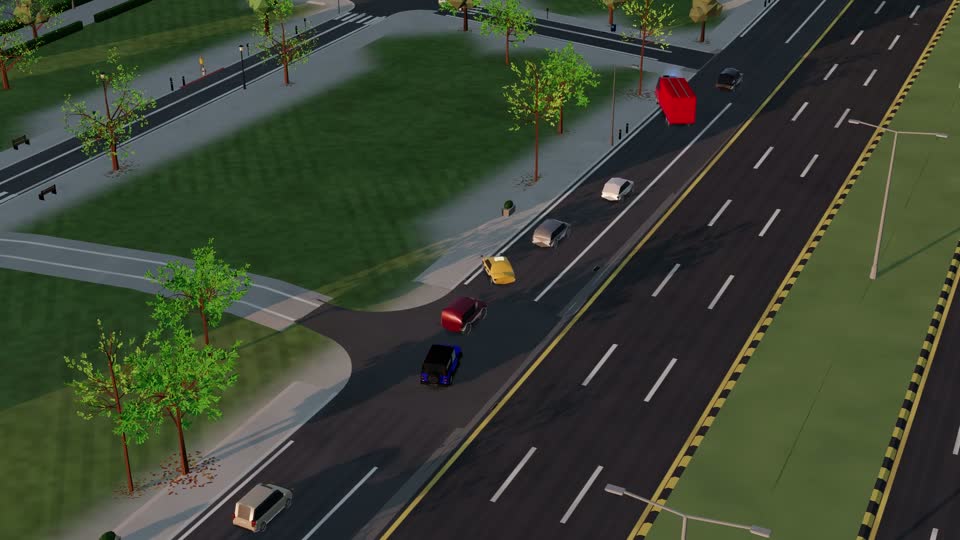
Yes. In Drive Your City, search your address or use your location and you start driving on the streets around it, rebuilt in 3D from open map data, free in your browser.
Why does my area look simpler than a big city?
The game builds what the open map data holds. Areas with fewer mapped buildings, lanes or road details come out simpler. Adding them to OpenStreetMap improves the game for everyone.