
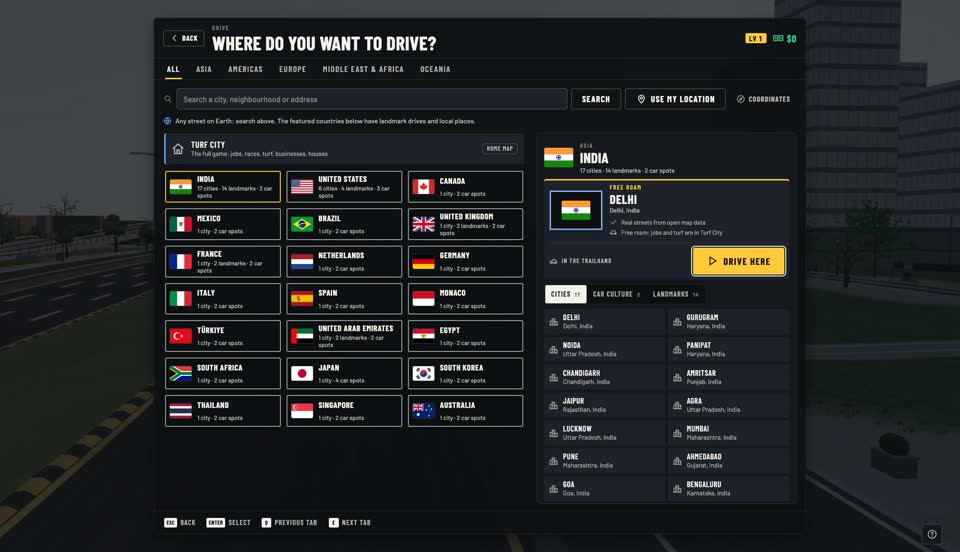
How to pick any place on Earth
- Open driveyourcity.com and choose to drive a real place from the main menu.
- Type a city, district, street or address in the world selection search, or use your location (your browser asks first, and the game does not put it in the address bar).
- The game fetches open map data for the area and builds roads, junctions, terrain and buildings around you while you drive. Keep going in any direction and it keeps building.
For a quick start there are 40 featured cities, such as Delhi, Mumbai, San Francisco, New York, London, Paris, Dubai and Tokyo, 24 landmark drives and 45 famous roads and race tracks. All of them are listed on the cities and roads pages, each with a Drive here button.
What the world is made of
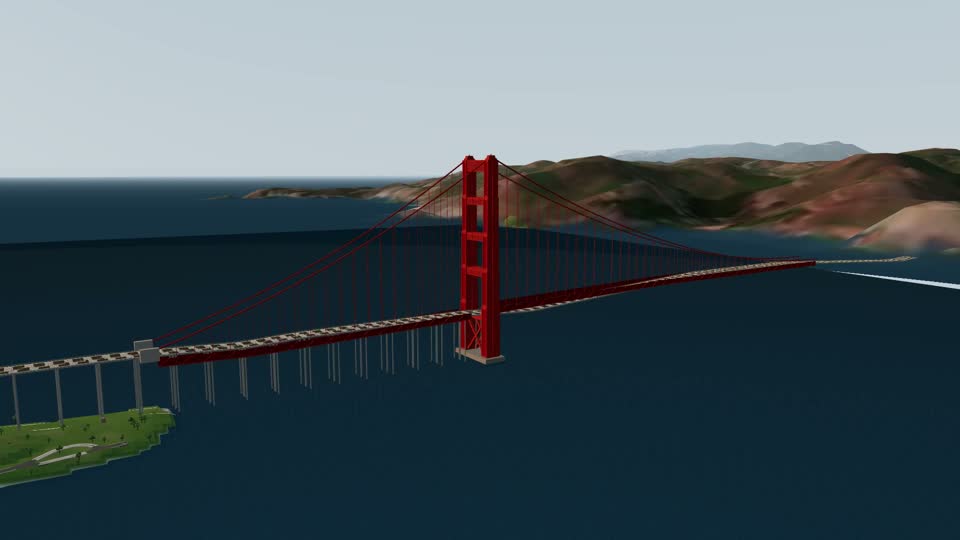
Roads and their lanes come from OpenStreetMap, buildings and named places from Overture Maps, and the ground's height from open elevation models. A world builder written in Rust and compiled to WebAssembly turns that data into the 3D world tile by tile, in your browser. The same place always comes out the same way, so your street looks the same tomorrow.
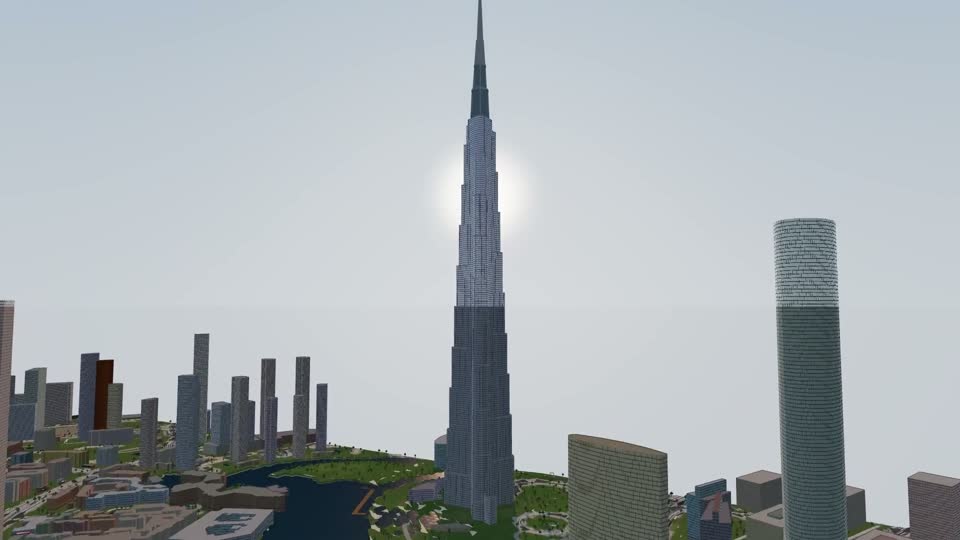
The detail you get depends on the map: big cities are mapped street by street, while some rural areas have fewer buildings or simpler roads. Famous landmarks in the featured list have original models made for the game; everywhere else is generated.
What you can do once you are there
Free roam is yours to explore: press M for the map, search a place and follow the turn-by-turn sign, or switch on autodrive (O) and watch. Traffic and pedestrians are on by default, live weather follows the real sky, and police chases can be switched on in Settings. Press J for the job board: courier, taxi, food delivery, photo and fuel runs pay game cash in any real city. Read more in the guides to pedestrians and city life, terrain and off-road, weather and time and police chases.
Questions
Is there a game where you can drive anywhere in the world?
Yes. Drive Your City lets you search any place on Earth and drive it in your browser, on roads built from OpenStreetMap and other open data. It is free and needs no download.
Does it use Google Maps or Street View?
No. The world is generated from open data (OpenStreetMap, Overture Maps and open elevation models), not from Google's imagery. That is why you can drive it freely in 3D rather than click through photos.
Can I drive in my own country?
Yes. Any country works. The featured list covers 21 countries, and the search reaches everywhere else.