
What works offline
- The game: after your first visit the browser keeps it, so it opens without a connection.
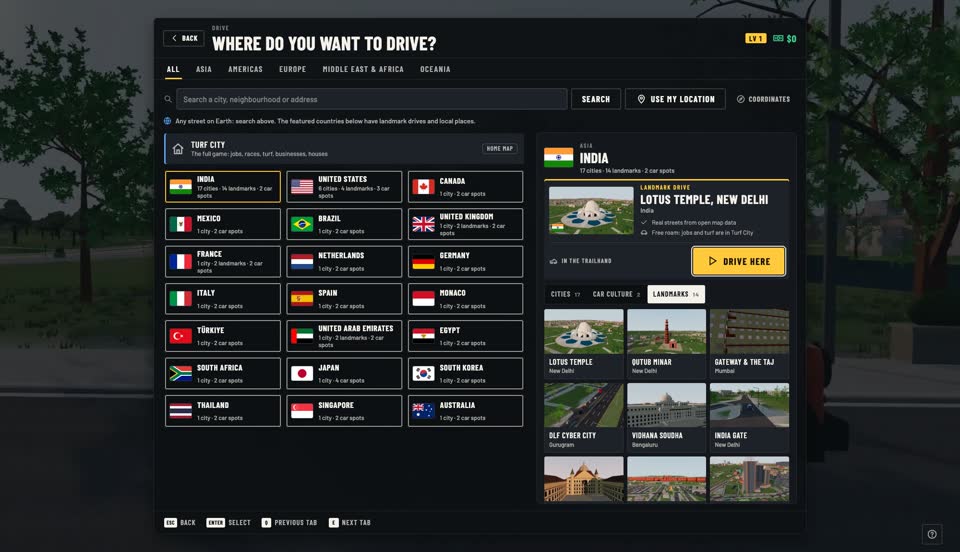
- Places you have driven: their map tiles stay in the browser's tile cache.
- Places you saved: open the map (M) in free roam and press Save area offline to download the map, terrain and buildings around the map's centre.
- Turf City: it is generated by the game, so there is nothing to download.
Places you have never visited or saved still need the internet the first time. Live weather also needs a connection; without it you get clear skies.
Install it like an app
Most browsers let you install the site as an app (on iPhone: Share, then Add to Home Screen). It opens full screen in its own window and works offline the same way.