
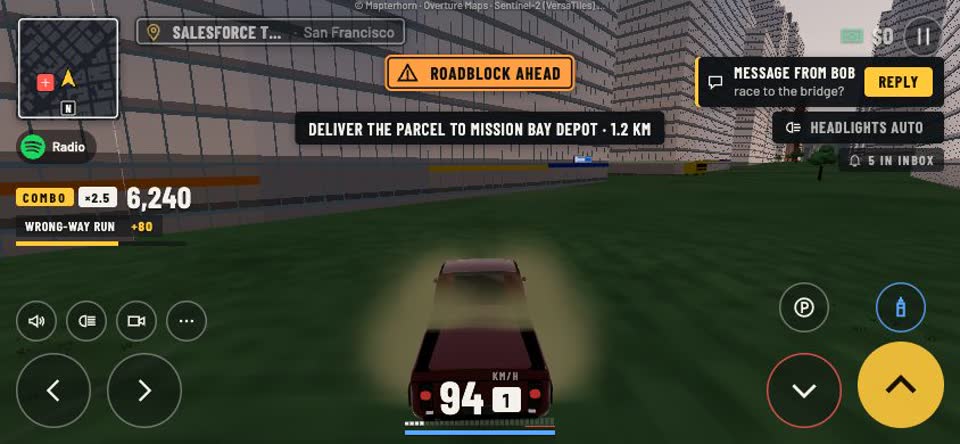
Phones and tablets
Turn the device sideways: the game plays in landscape. Pedals, the handbrake and nitrous are on the right; steering is on the left, as buttons, a drag slider or by tilting the phone (Settings, Touch steering). The first tap goes full screen. On iPhone, where Safari has no full screen for web pages, add the game to your Home Screen to play full screen.
If a phone runs warm, lower Quality, set a 30 fps cap or reduce the resolution scale in Settings: see settings and graphics.
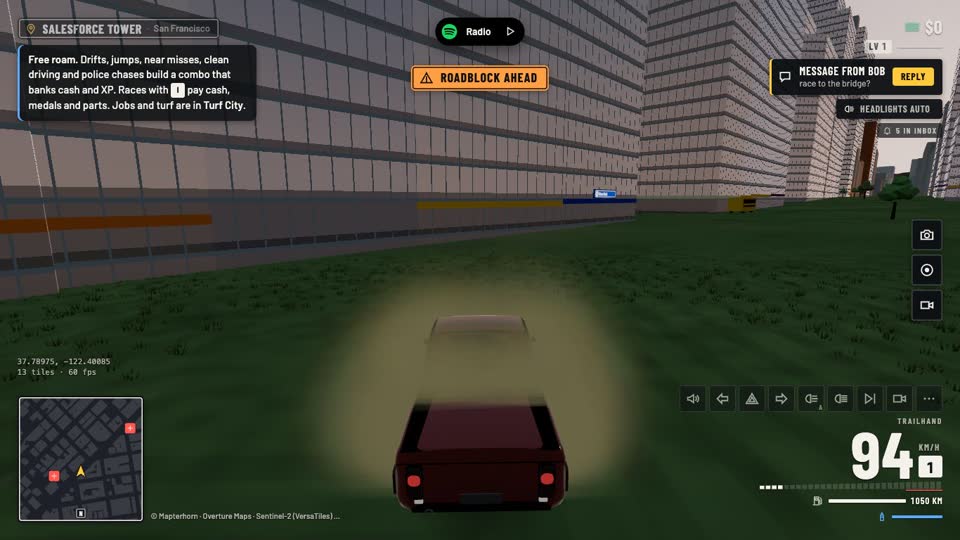
Game controllers
Plug in or pair a standard gamepad and press a button: triggers for throttle and brake, the left stick to steer, and the face and shoulder buttons for handbrake, nitrous, camera and more. Menus work with the pad too. The full button list is on the how to play page.
Keyboard and rebinding
WASD or the arrow keys drive, Space is the handbrake and Shift is nitrous. Open Settings, then Keyboard, gamepad and touch, to rebind any action, change the touch button size or switch to a left-handed layout. F1 shows the controls in game.